Sign up to view this video
Join NowCustom Configuration - CMS Color Theme
The Custom Configuration screens are restricted to persons in the System Administrator role. While persons in the Auditor role can access these pages, they cannot make any changes.
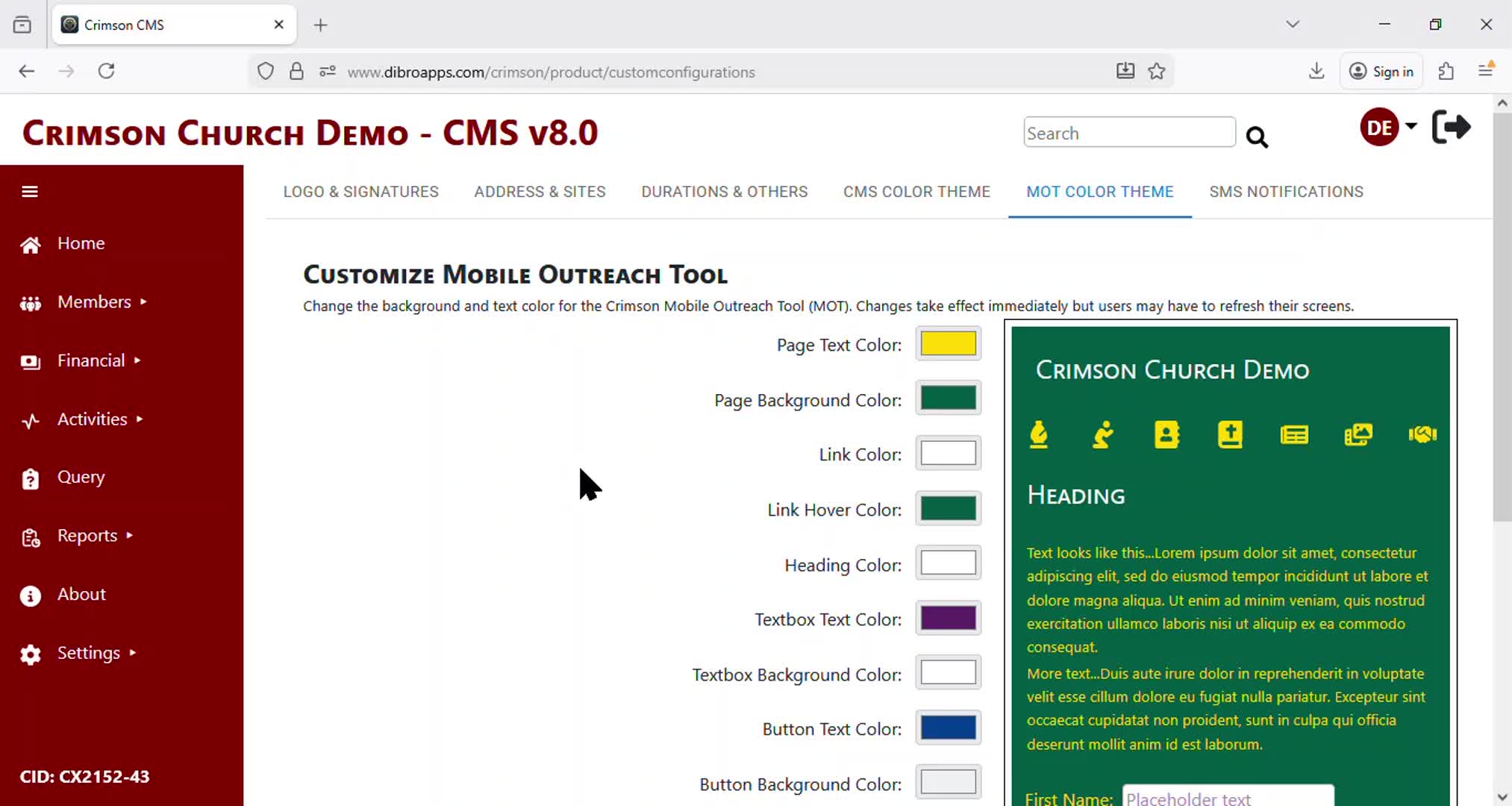
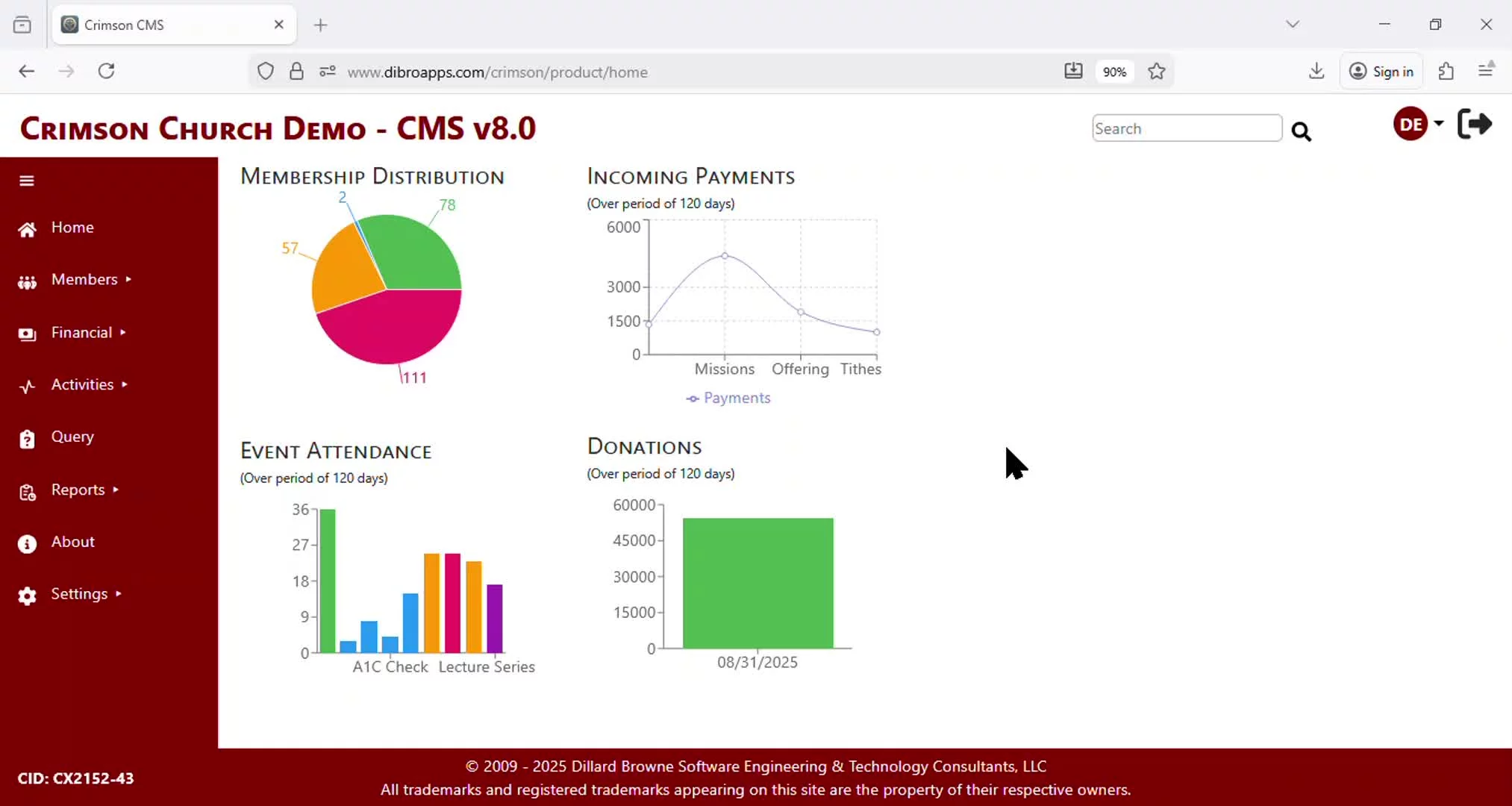
The CMS Color Theme tab allows the System Administrator to set the background and text color for the CMS user interface.
The settings take effect upon login and affect every user that logs into Crimson CMS directly. However, the System Administrator can Preview Changes without saving them and can choose to reset to the Crimson CMS default color scheme at any time.
Previous
Custom Configuration - Durations
Next