Skip to Content
Dibrosoft Technology Consultants, LLC
Crimson CMS - CLOUD
Crimson CMS - LOCAL
Crimson CMS - HYBRID
Services
Software Trials
Blog
About Us
Contact Us
Privacy Policy
Terms of Service
Agreements
SaaS-FAQ
Crimson CMS FAQs
Search
Login Account
0
0
Dibrosoft Technology Consultants, LLC
Crimson CMS - CLOUD
Crimson CMS - LOCAL
Crimson CMS - HYBRID
Services
Software Trials
Blog
About Us
Contact Us
Privacy Policy
Terms of Service
Agreements
SaaS-FAQ
Crimson CMS FAQs
Search
Login Account
0
0
Folder: Products
Back
Crimson CMS - CLOUD
Crimson CMS - LOCAL
Crimson CMS - HYBRID
Services
Software Trials
Blog
Folder: About
Back
About Us
Contact Us
Privacy Policy
Terms of Service
Agreements
SaaS-FAQ
Crimson CMS FAQs
Search
Login Account

Sign up to view this video

Join Now
  • Finance Admin,
• 12/9/25

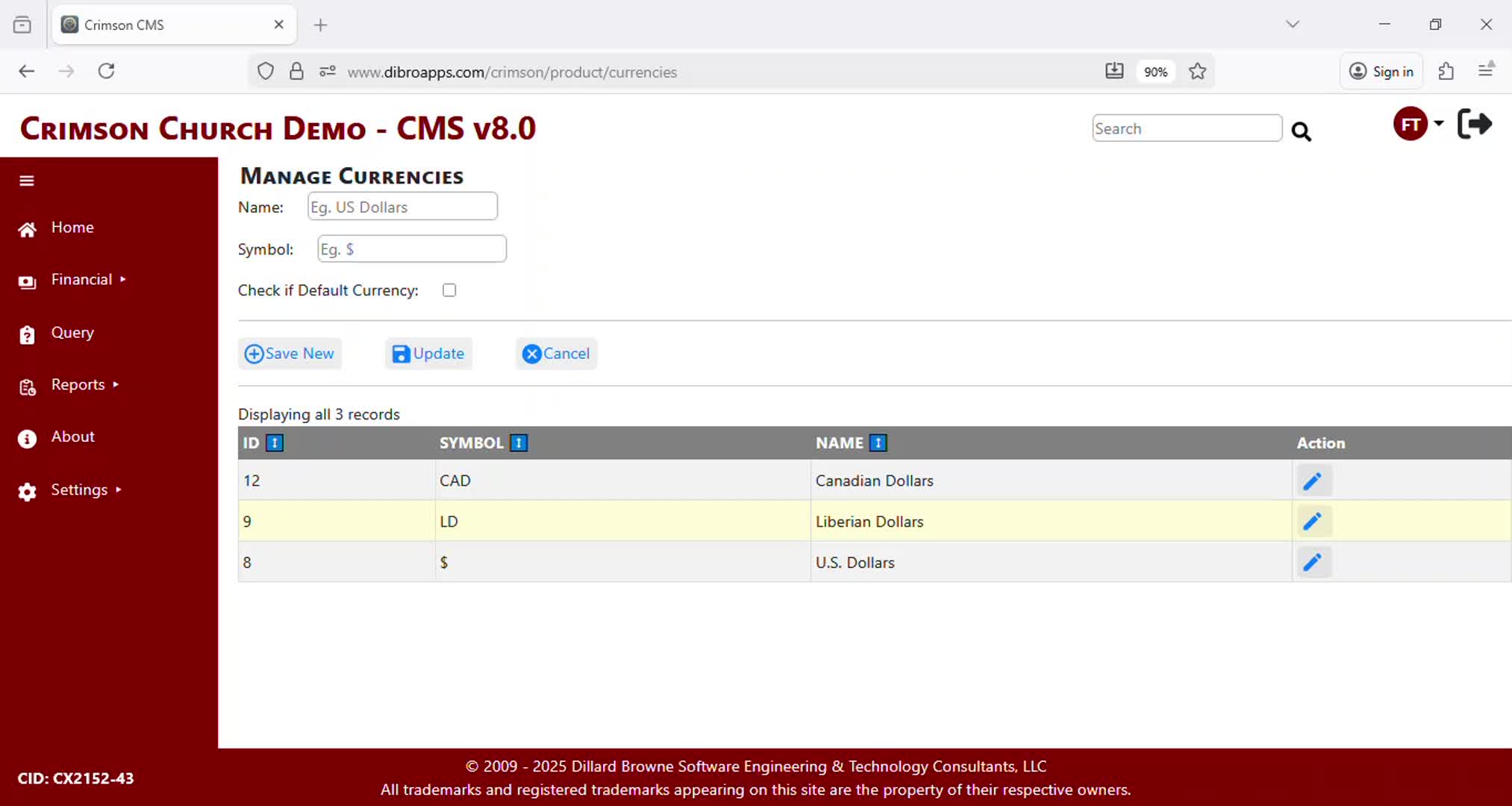
Delete a Currency

Crimson CMS supports multiple using multiple currencies.

This video demonstrates how to delete an existing Currency.

At least one currency must be added before giving to the Church or Organization can be recorded.

Previous

Update a Currency

Next
Add a Payment Method

You Might Also Like

Related Video Item Thumbnail Update a Currency
Related Video Item Thumbnail Financial Reports - Donation Statement
Related Video Item Thumbnail Import Payments - Part 2
Related Video Item Thumbnail Update Payment Type
Related Video Item Thumbnail Financial Reports - Intro

Dibrosoft Technology Consultants, LLC.

Software Trials
Privacy Policy

About Us
 | Contact Us