Sign up to view this video
Join NowDelete Activity Type
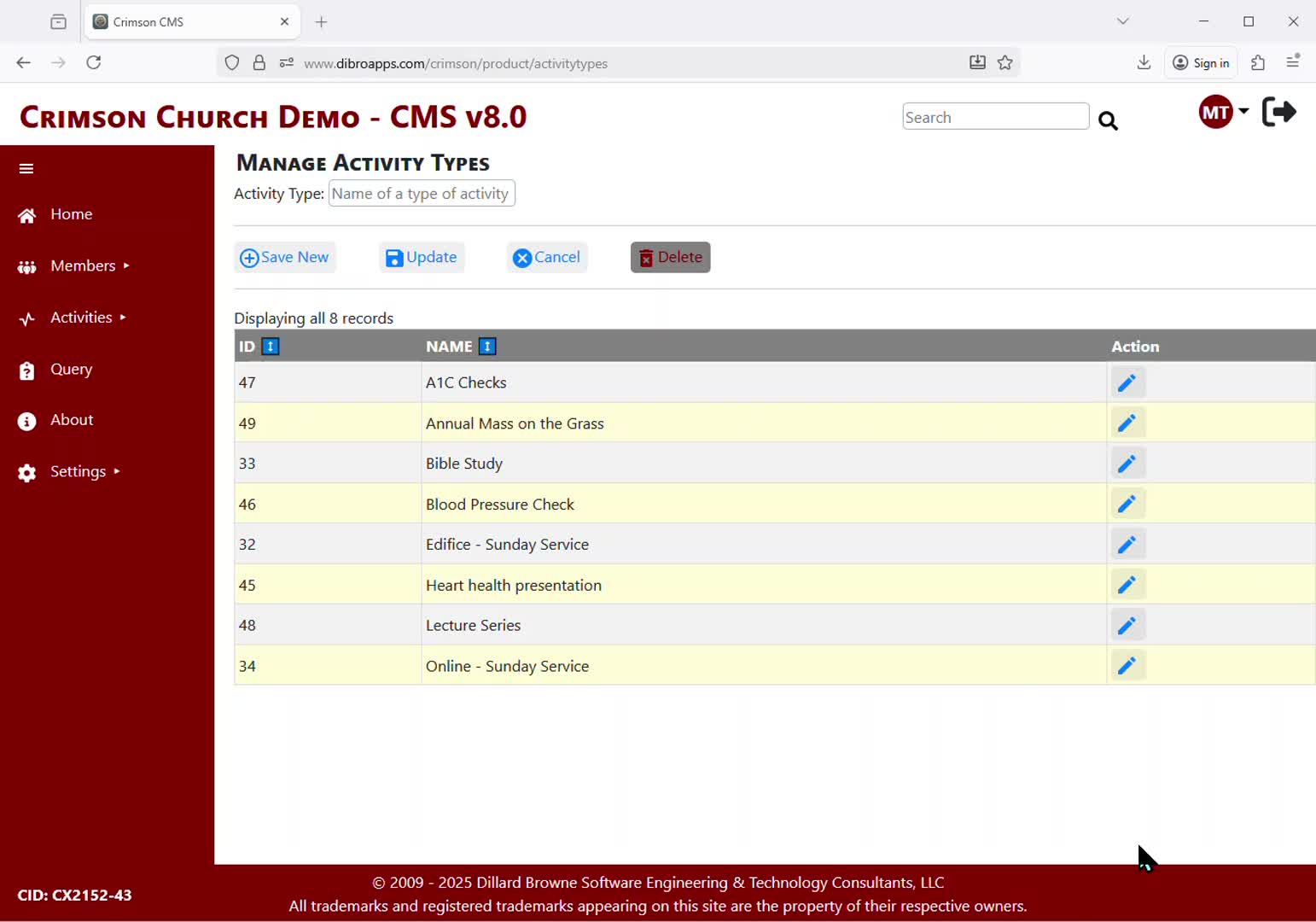
Crimson CMS allows you to track the number of persons who attended a specific event/program. This is useful for strategic planning and gathering metrics. Before a Church can track attendance, the Member Admin or Administrator must create/manage a list of Activity Types.
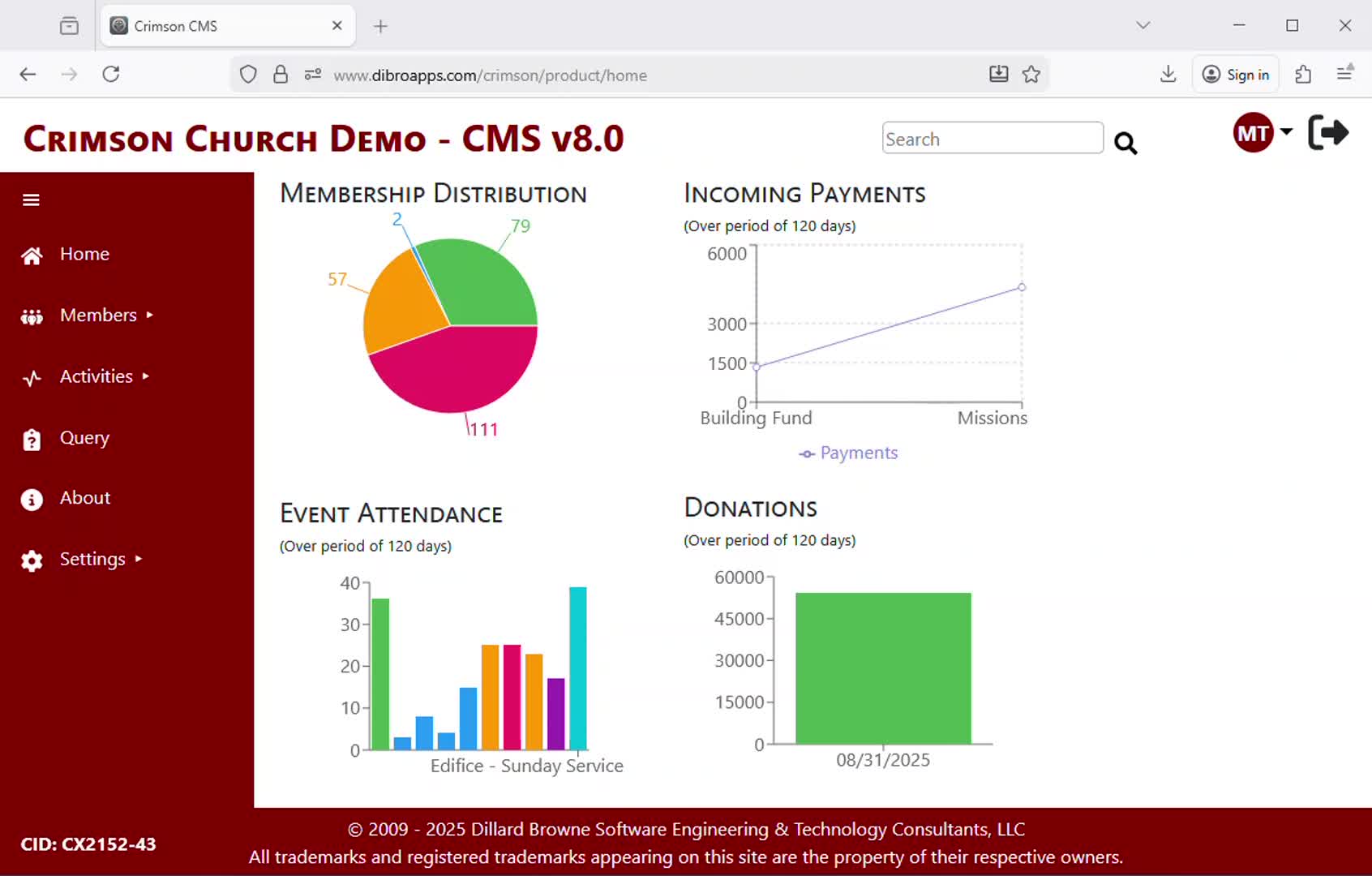
This video demonstrates how to delete an existing Activity Type.
Activity Types that have already been used to record attendance cannot be deleted - the Delete button will be visible but disabled. If you must delete an Activity Type against which you have already recorded attendance, you will have to first remove the attendance records from the Activity Type before you will be able to delete the Activity Type.
Previous
Update Activity Type
Next