Sign up to view this video
Join NowSMS - Manage Bulk Recipients
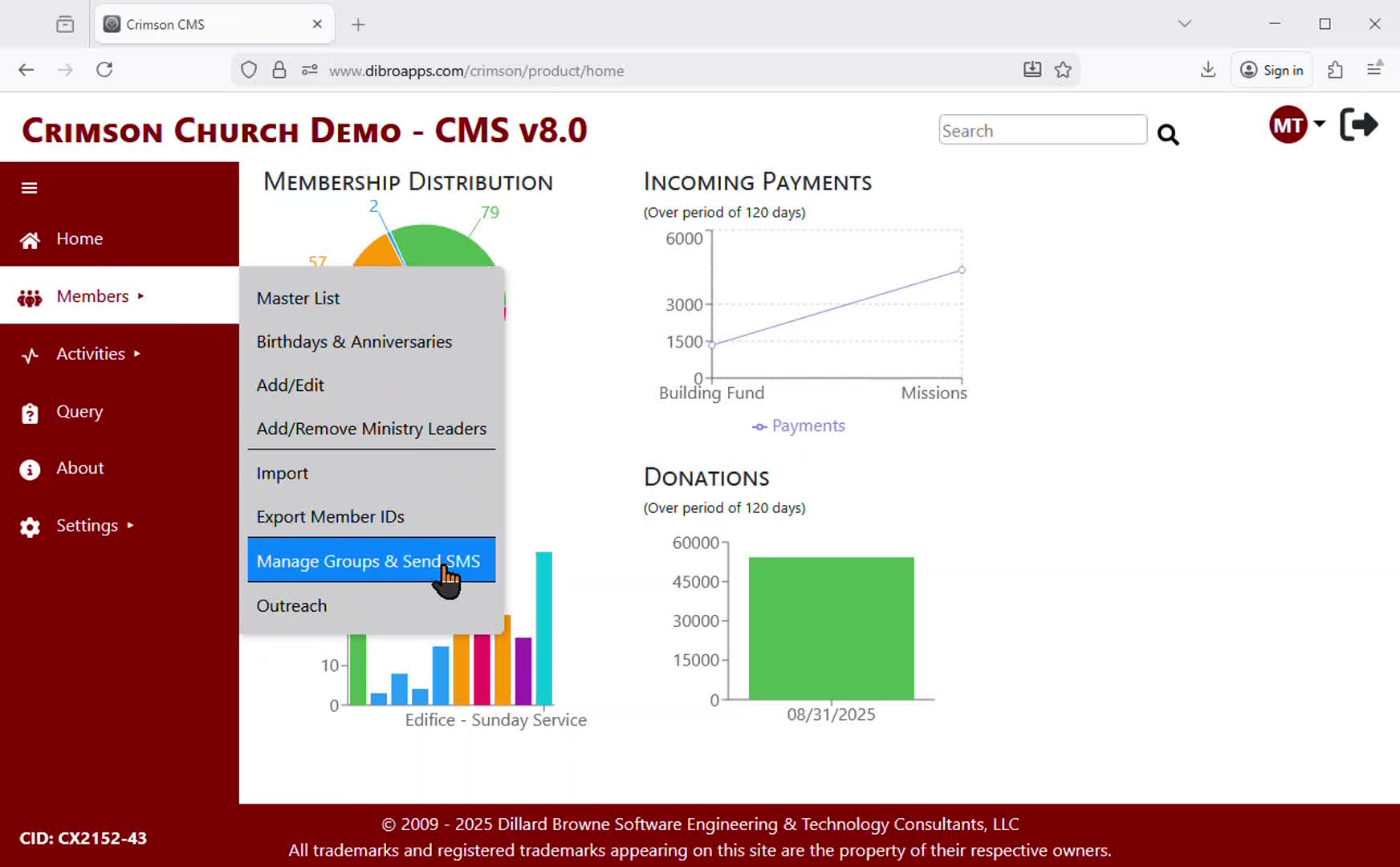
This video demonstrates how to manage SMS Message recipients “in bulk”.
Crimson CMS allows a Member Admin to add multiple persons to a single group at once based on member or dependent requirements.
Member Criteria:
Member Type (Eg. Regular, Visitor)
Member Status (Eg. Active, Dormant)
Marital Status (Eg. Married, Single)
Baptismal Status
Gender
Member Dependent Criteria:
Member Has Dependents or Not
Dependents are Baptized or Not
Dependents Gender
Using criteria to manage group members (SMS Message recipients) allows a Church to identify and communicate with a subset of members very quickly and efficiently.
Previous
SMS - Manage Individual Recipients
Next